Once you have clicked into Autogate, you will be taken to the dashboard (or, the home screen of Autogate). This screen will show you your sales data and action points all in one user friendly snapshot.
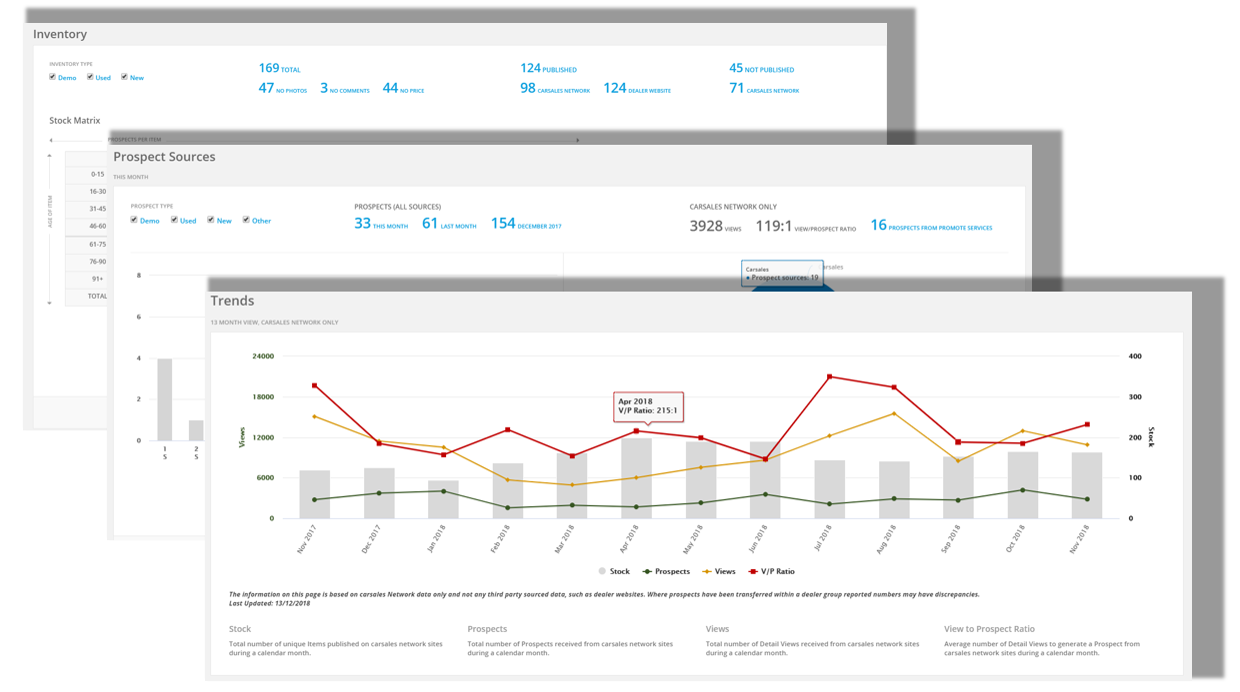
From the dashboard, you will be able to view data related to:
- Your inventory; including the age profile of your stock.
- Your prospects; including lead sources and amount of leads received for the month.
- Prospect management; including a "health check" which shows you how many leads have been un-actioned and/or are overdue.
- Team performance across the board.
- Trends which show amount of stock, prospects and views which have come in year-on-year.
Any information on this page is provided as a guide only. It is not professional or expert advice and is not a substitute for such advice. The content may not be appropriate, correct or sufficient for your circumstances and should not be relied on as the only reason you do or don’t do anything.